If you are a Virtual University of Pakistan student, you have probably noticed something different this semester. Warning emails from the VU administration. Lectures that refuse to open until you finish the previous one. Quizzes that stay locked no matter how many times you refresh the page.
Something has changed — and if you keep submitting assignments the old way, it could quietly cost you marks. This guide explains exactly what VU changed, the mistakes almost every student is still making (especially in math courses), and how to do things the right way.
What Are VU's New Warning Emails About?
Over the past few weeks, VU has started sending emails warning students against using lecture-bypass browser extensions. For years, these extensions were an open secret: install one, click once, and every lecture in the course would instantly show as "watched." Quizzes unlocked, requirements ticked off, zero minutes actually spent.
That era is over. Here is what the university has put in place:
1. Sequential lectures. In several subjects, lectures now open one after another. You cannot open Lecture 5 until you have actually watched Lecture 4. Skipping ahead is no longer possible.
2. Locked quizzes. Quizzes are now tied to lecture completion. If a quiz covers the first 15 lectures, the quiz will not open until all 15 lectures show as watched. No lectures, no quiz — no matter how close the deadline is.
3. Active enforcement. The emails make it clear: using bypass tools is now treated as a violation, not a clever trick. Students who relied on extensions are finding their usual shortcuts simply do not work anymore.
The message from the university is simple: watch the lectures, do the work properly, earn the marks honestly.
The Shortcut Era Is Over (And Almost Everyone Used It)
Let us be honest — most of us used those extensions. One click, all lectures bypassed, everything marked as read automatically. It felt harmless because everyone was doing it.
But here is the uncomfortable truth: shortcuts trained us into bad habits, and those habits are exactly what lose marks now. The biggest one is in math assignments.
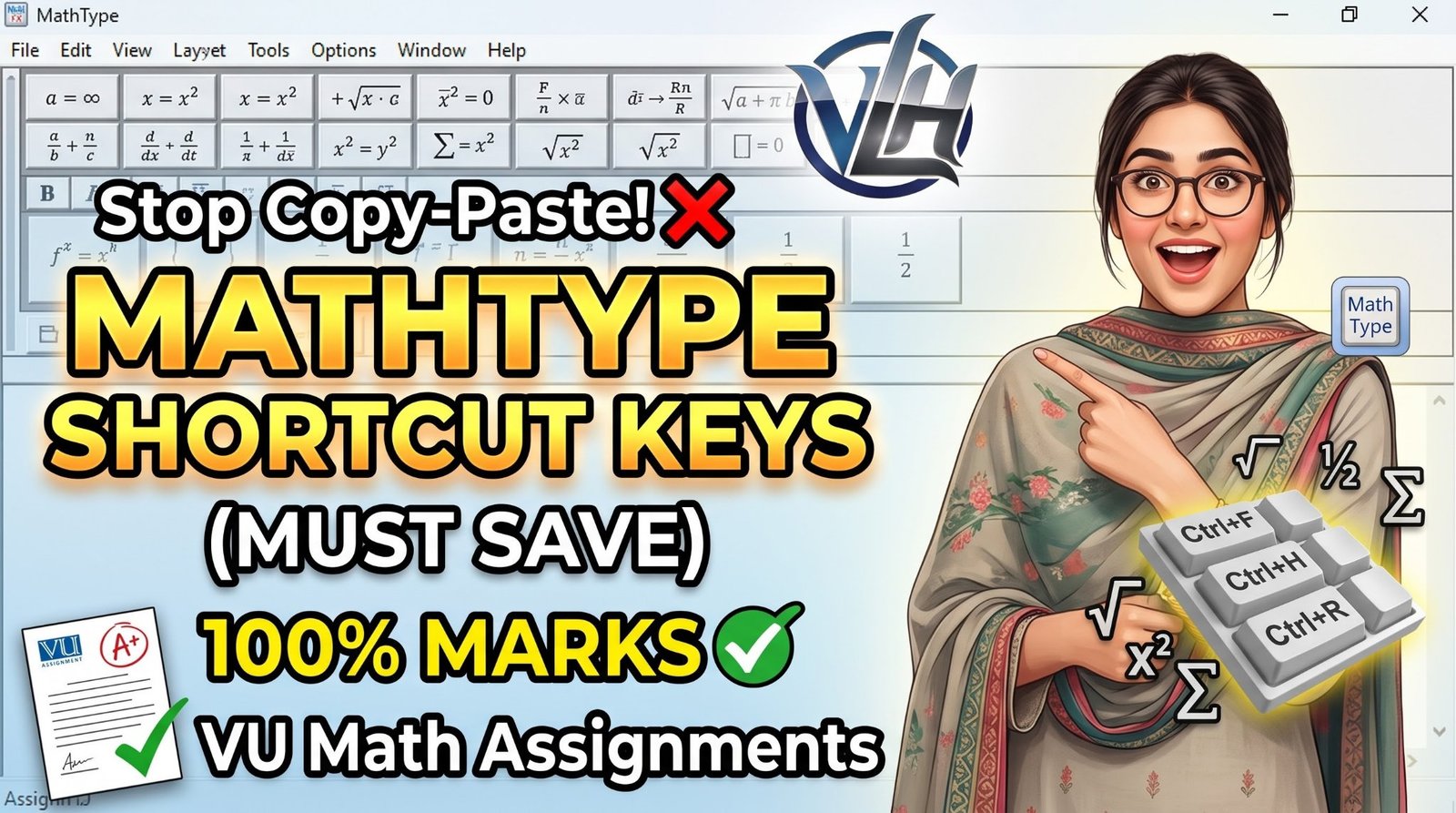
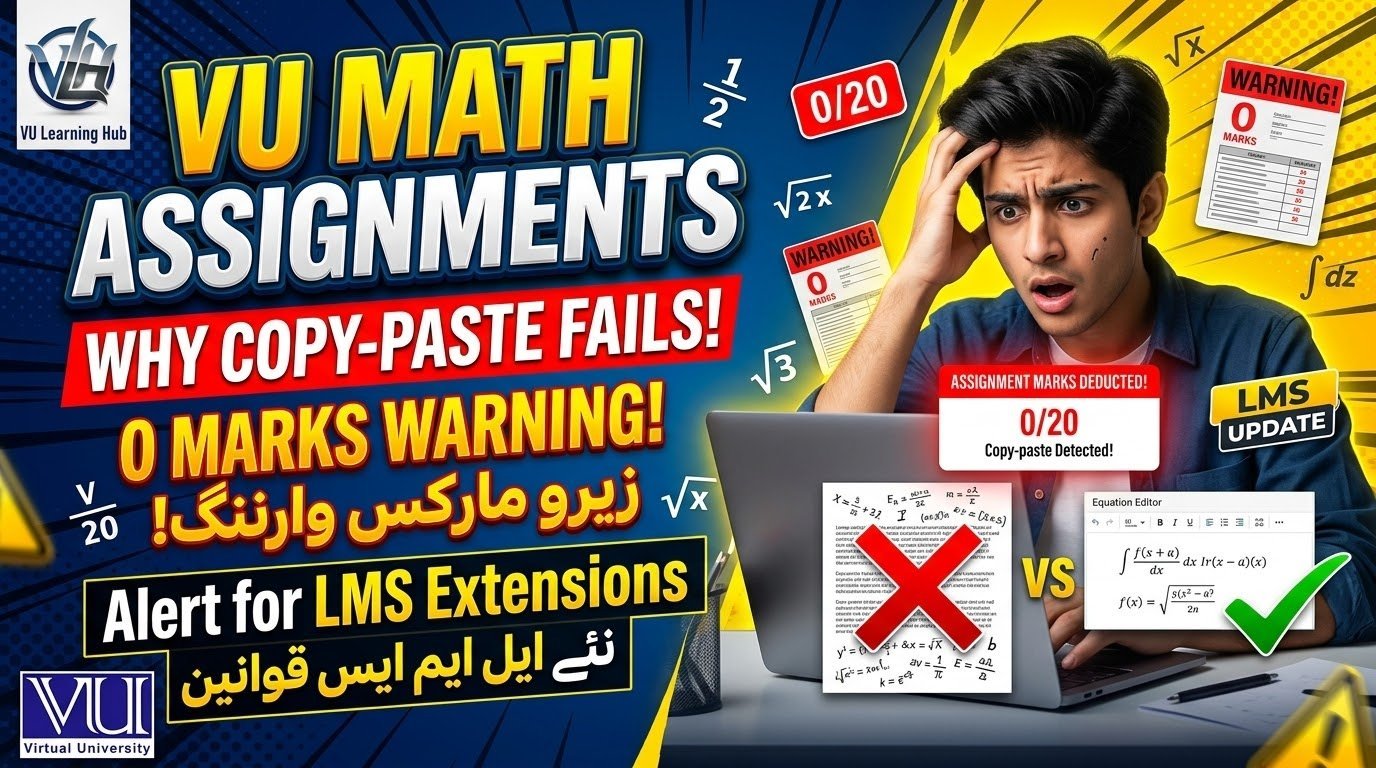
Mistake #1: Copy-Pasting Math Instead of Using an Equation Editor
This is the single most common — and most expensive — mistake in VU math courses like MTH100, MTH101, MTH202, STA301, and similar subjects.
Here is what typically happens: a student solves the question (or finds a solution), copies it as plain text, and pastes it straight into the assignment document. No proper mathematical symbols. No fractions that actually look like fractions. No square roots, no summations, no matrices — just flat, broken text.
Why this loses marks:
- It is instantly visible to the checker. A tutor grading fifty assignments can spot a copy-pasted math solution in seconds. Plain-text math looks wrong — symbols missing, formatting collapsed, steps unreadable.
- Steps cannot be followed. In math, marks are awarded for the method, not just the final answer. If your steps are a garbled block of pasted text, the checker cannot follow your working — and cannot award step marks.
- It looks like copied work. Even if you solved everything yourself, a pasted solution looks identical to a copied one. You lose the benefit of the doubt.
Think about it: you spend hours on an assignment, submit it on time, and then lose marks for something that had nothing to do with your understanding — only your formatting. That stings.
The correct method: every math question must be written using a proper math type tool — an equation editor. This is not optional polishing; it is the expected standard.
How to Write Math Assignments the Right Way (Step by Step)
In Microsoft Word:
- Go to Insert > Equation (or press Alt + =).
- Type your expression — Word converts it into proper mathematical notation automatically.
- Use the Equation Tools ribbon for fractions, square roots, summations, matrices, and Greek symbols.
- Write every step on its own line, just like you would on paper.
In Google Docs:
- Go to Insert > Equation.
- Choose from the equation toolbar: Greek letters, operators, fractions, integrals.
- Build the solution step by step — never paste a finished block from elsewhere.
Golden rules for every math assignment:
- Show all steps. The final answer alone earns only a fraction of the marks.
- Keep one step per line so your working is easy to follow.
- Double-check symbols: a missing square root sign or a flattened fraction changes the entire meaning.
- Never submit a screenshot of someone else's solution as your own work.
Once you do two or three assignments this way, it becomes second nature — and your grades will show it.
5 More Assignment Mistakes That Silently Eat Your Marks
The equation-editor issue is the biggest one, but it is far from the only one. These related mistakes cost VU students marks every single semester:
1. Submitting in the wrong format or at the last minute. LMS deadlines are strict. A corrupted file, a wrong format, or a submission one minute late can mean a zero — regardless of how good your work was. Always submit at least a day early and re-download your file to check it opens correctly.
2. Copying seniors' old assignments. Solution files from previous semesters circulate in every VU WhatsApp group. Submitting them as-is is the fastest way to get caught — checkers recognize repeated solutions, and plagiarism policies apply to assignments too, not just theses.
3. Ignoring the assignment's own instructions. Every assignment file includes formatting and submission instructions. Students who skip straight to the questions miss requirements like file naming, specific sections, or word limits — and lose easy marks.
4. Skipping lectures, then failing the connected quiz. Under the new locked system, this is now a double penalty: unwatched lectures mean locked quizzes, and locked quizzes mean missed marks. The old "watch zero lectures, attempt quiz from past papers" strategy no longer works.
5. Answering a different question than the one asked. It sounds obvious, but under time pressure students answer what they prepared instead of what was asked — especially in subjective papers. Read each question twice before writing a single word.
How to Manage Lectures and Quizzes Under the New Locked System
Since bypassing is no longer an option, here is a realistic system that actually works:
- Spread lectures across the week. Watching 15 lectures the night before a quiz is miserable and ineffective. Two or three a day keeps you on track without burnout.
- Watch at a comfortable speed. If the content is revision for you, a slightly faster playback is fine — what matters is completion being registered honestly.
- Track quiz windows from day one. Note every quiz's opening and closing dates in your phone calendar the moment the datesheet appears. Locked quizzes plus forgotten deadlines is how students score zero without ever attempting.
- Treat GDBs and assignments as mark insurance. They are announced in advance and fully in your control — the easiest marks of the semester if you simply do them properly and on time.
Frequently Asked Questions
Will VU really deduct marks for copy-pasted math work?
Yes — not through a formal "copy-paste penalty," but through the normal grading process. Unreadable or improperly formatted solutions cannot earn step marks, and checkers treat pasted work as low-effort or copied.
Can I still use lecture-bypass extensions?
No. VU is actively warning against them via official emails, and the new sequential-lecture system is designed so bypasses do not work. Using them risks disciplinary action.
My quiz is not opening even though the date has started. What should I do?
Check whether all lectures up to the quiz's coverage are marked as watched. Under the new system, an unwatched lecture anywhere in the quiz's range keeps the quiz locked.
Which equation editor should I use?
MS Word's built-in equation editor (Insert > Equation) is the most common and fully sufficient. Google Docs' Insert > Equation works too. Both are free and need no installation.
Does this apply to statistics and other math-heavy subjects?
Yes — STA301, MTH202, and every course with mathematical working follows the same principle: proper notation, visible steps, honest work.
Final Word
The students getting the best grades this semester will not be the ones with the cleverest shortcuts — they will be the ones who adapted fastest to the new rules. Watch the lectures, write math properly with an equation editor, submit on time, and the marks take care of themselves.
If an assignment still has you confused, or you are running out of time before a deadline, feel free to message on WhatsApp — happy to guide you through it. https://wa.me/923135320064